Features
Every module an ReOC holder actually runs on.
One platform for the work, the crew, the aircraft and the evidence — instead of a scheduler, a spreadsheet, a logbook app and a folder of PDFs that disagree with each other. Here's what's inside, in the order a job moves through it.
Four inputs. One decision. A permanent record.
Crew — RePL and ARN valid, medical and inductions in date, recency met, endorsed for this operation type. Aircraft — serviceable, maintenance not overdue, no open defect, batteries within cycle and health limits. Airspace — the operating area checked against airspace, aerodromes, landing sites and vertical limits at your planned ceiling. Documentation — risk assessment, JSA and pre-flight checklist complete and signed by the people who had to sign them.
Released: the CRP issues a written release naming crew, aircraft, area and conditions. Withheld: the gate names the blocker and who can clear it. Nobody argues about whether the paperwork was done.
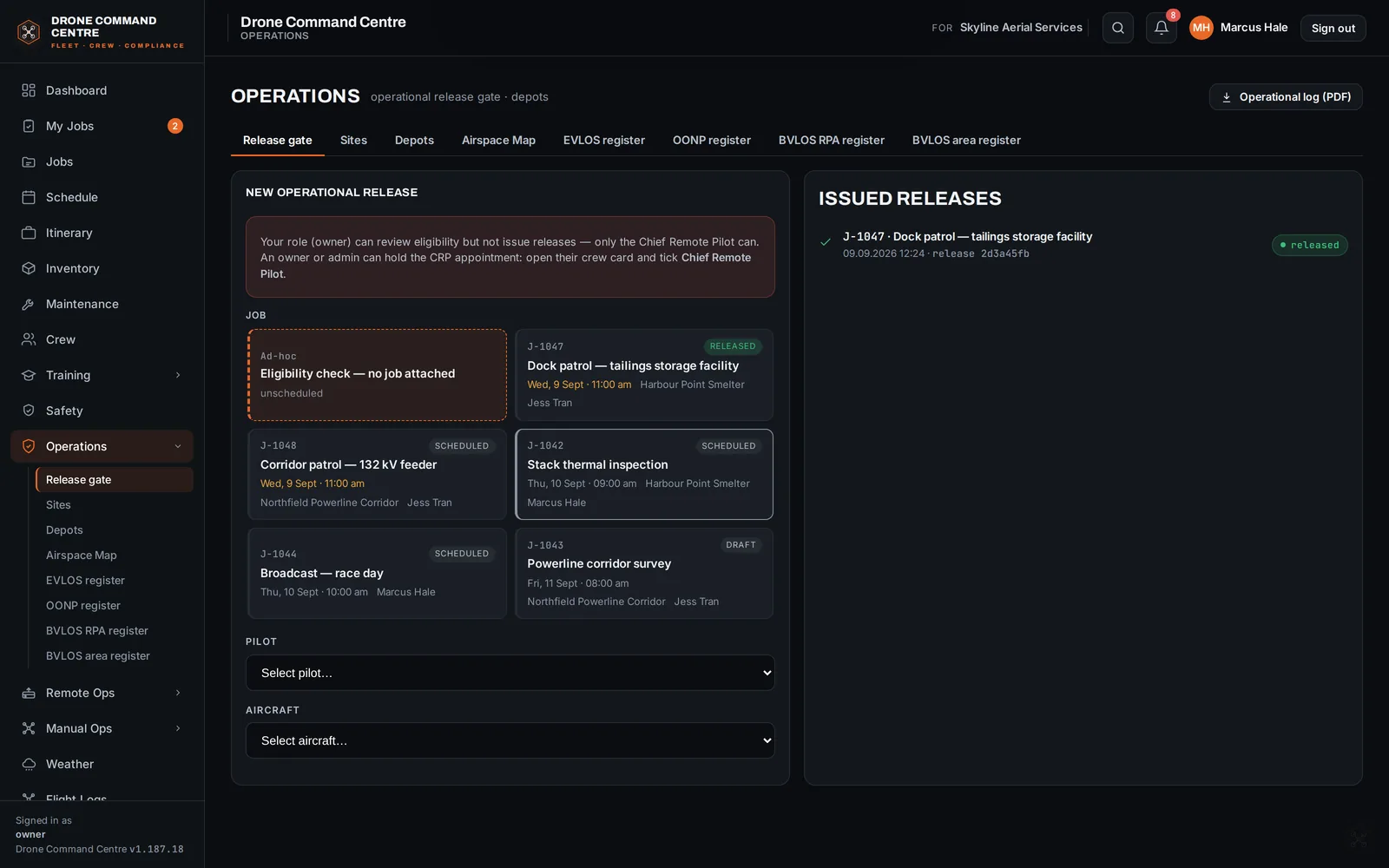
From enquiry to completion without leaving the job record.
A six-step build for every job — details and brief, legality check, job area, risk, JSA, attachments, sign-off — with client-ready and crew-ready job sheet PDFs at the end of it. The pipeline view shows where every job sits; the schedule puts jobs, crew and equipment on one board and flags double-bookings and eligibility conflicts as you drag.
- Toggleable brief blocks — parking, comms, PPE, meals, contacts
- Crew accept or decline from their own view; conflicts list who's clashing and why
- Travel & itinerary tied to the job on Business and Enterprise plans
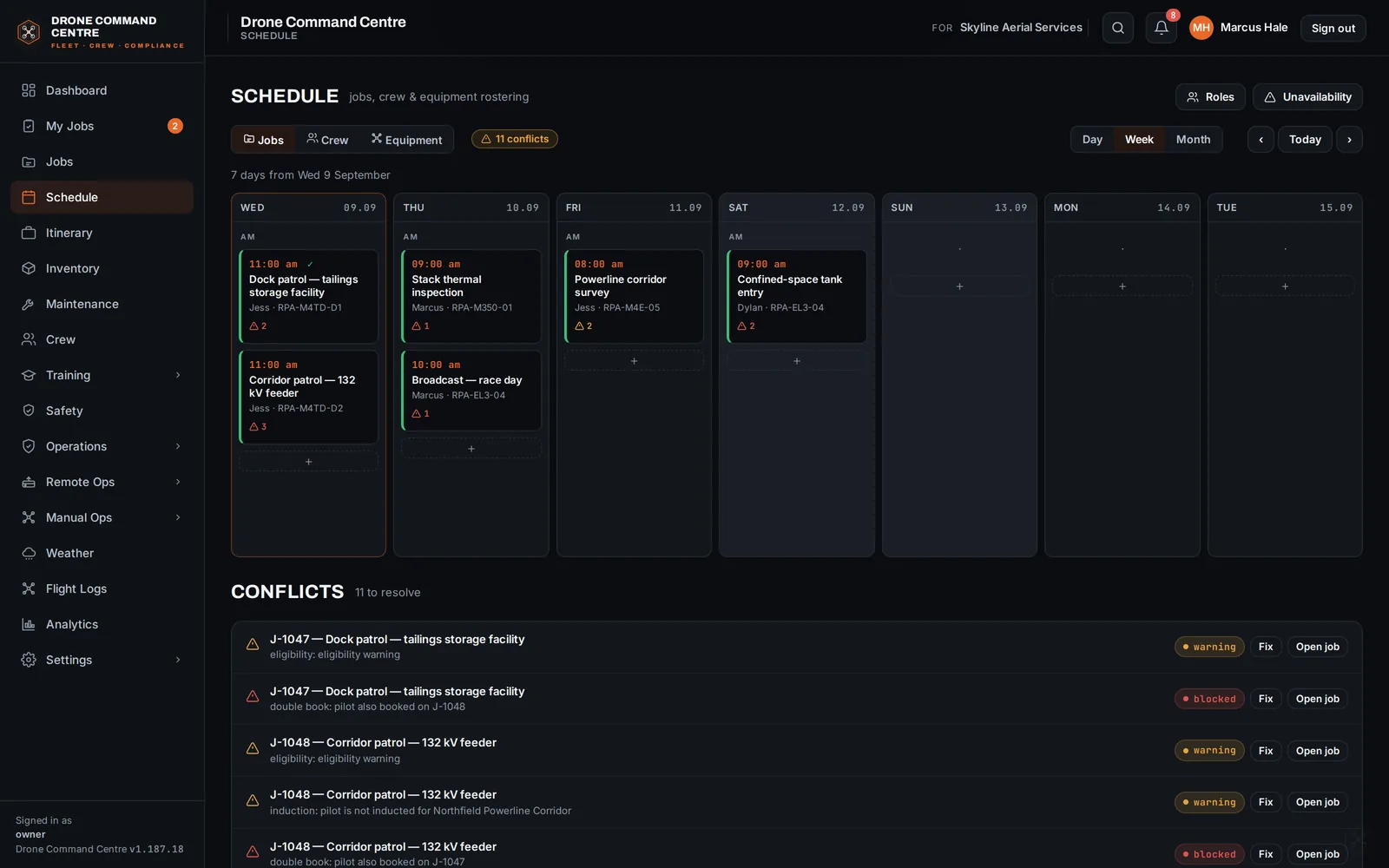
Expiries that chase people instead of surprising them.
Roster, profiles, qualifications and currency in one place: RePL, ARN, endorsements, medicals, inductions, onboarding packs, contractor agreements and NDAs. Pilot logbooks are fed from real flight data, not from memory.
The training engine — courses, records, site inductions and the competency matrix — is in every plan. Add the DCC Training Library to fill it with ReOC-aligned courses, inductions, quizzes and an SOP library, kept current as the Part 101 MOS changes.
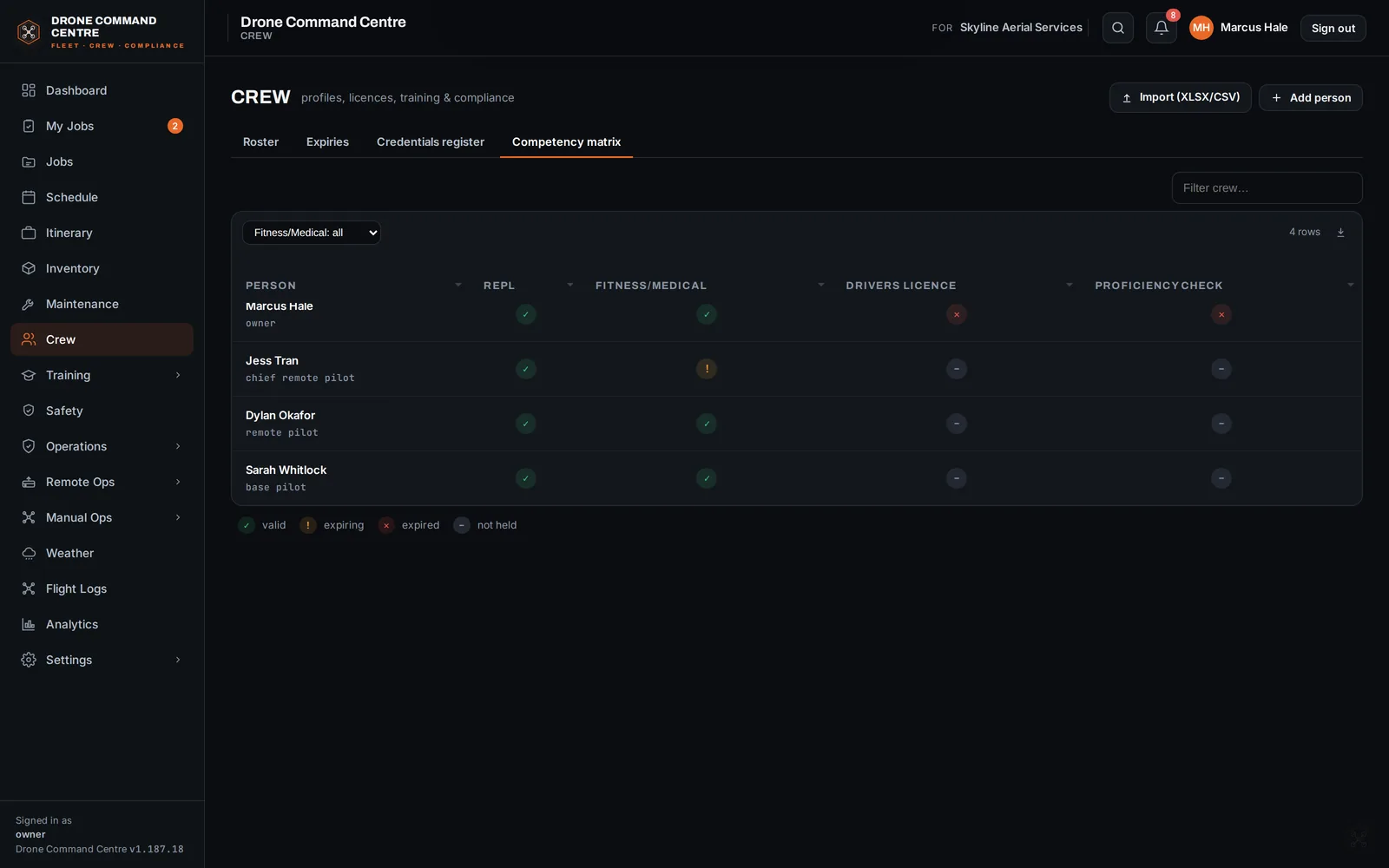
Hours and cycles come from the aircraft, not from anyone's recollection.
Aircraft, batteries, payloads and kits with custody, serviceability and a defect trail that survives staff turnover. Check-out and check-in records who holds what; scheduled maintenance, defects and a serviceability board keep a grounded aircraft out of the roster until it's cleared.
DJI flight logs are ingested natively — with cloud back-link — and feed logbooks, airframe hours and battery cycles automatically. KML and PDF export per flight.
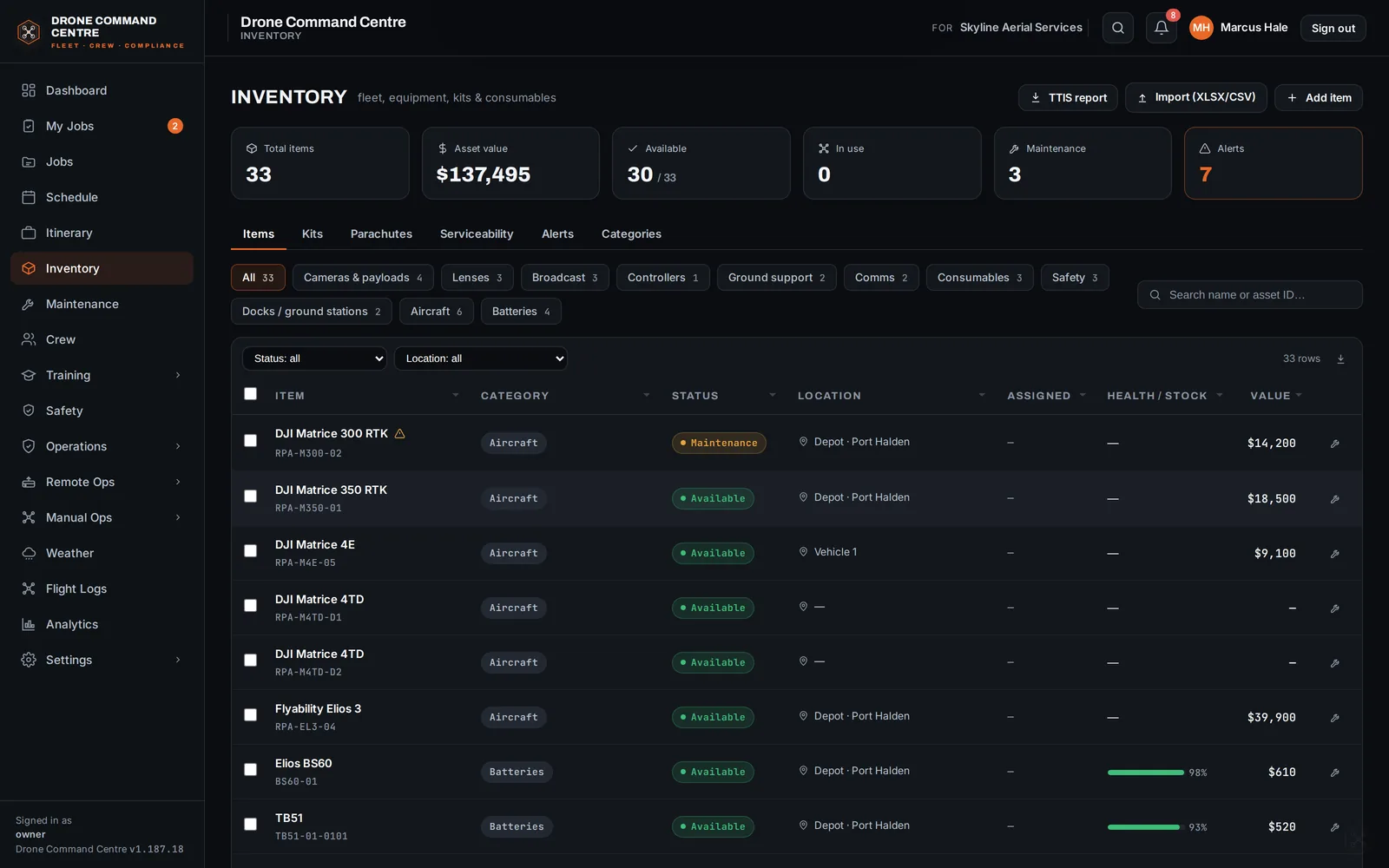
Versioned, matrix-scored, and ready to hand to a regulator.
Risk assessments, SWMS / JSEA, permit-to-work, a JSA per job with a hazard library and controls, and incident and hazard reporting with follow-up. A CASA-aligned SWMS can be drafted from the activity and environment in seconds, for you to review and sign.
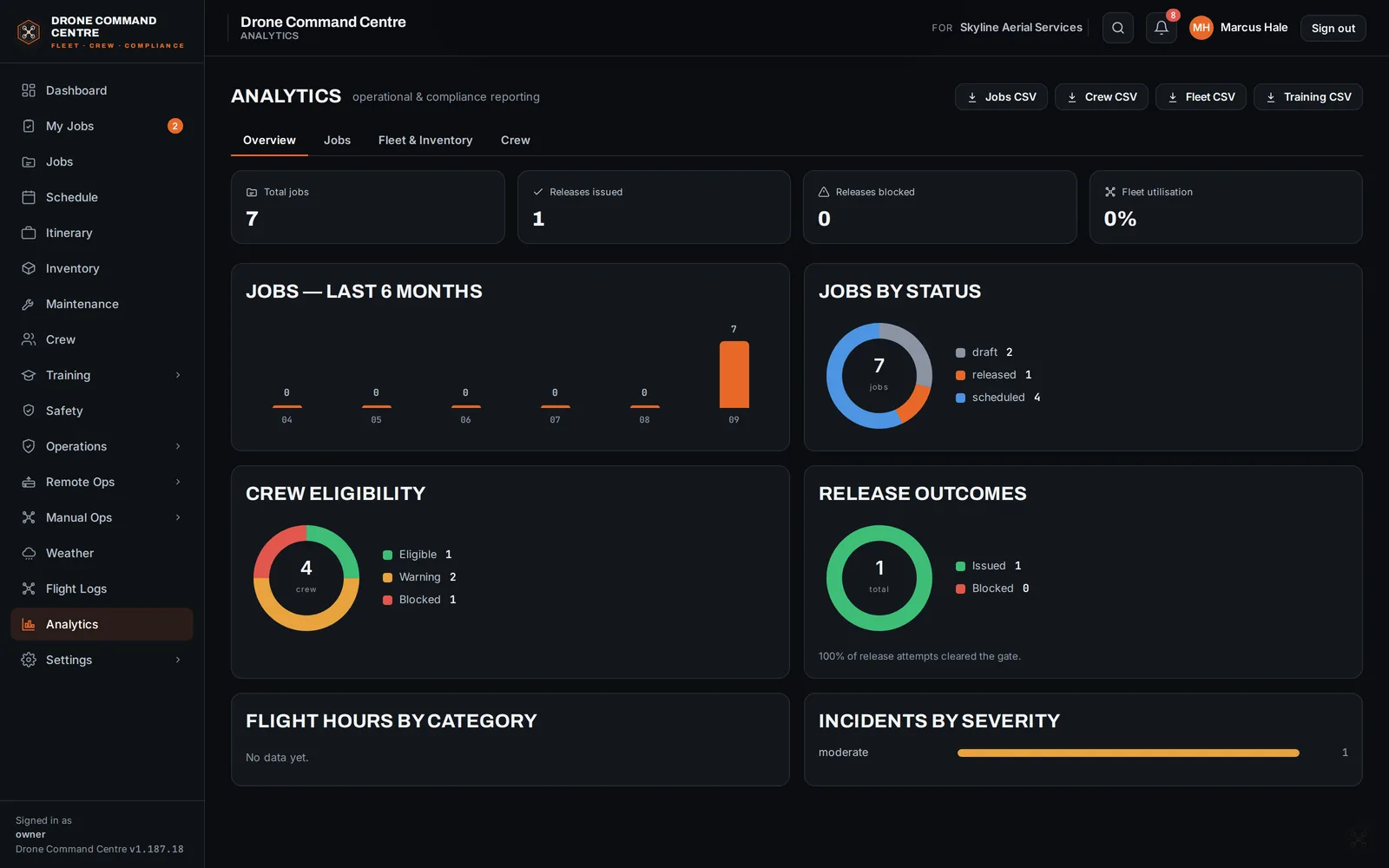
Analytics shows utilisation, release outcomes, crew eligibility and fleet hours over time — exportable, so a client or an auditor gets a report rather than a promise.
And the rest of it.
Specialised operations, without a separate system.
Operations beyond standard daytime VLOS carry their own crew, equipment and documentation requirements. The gate knows which apply to the operation type on the job and refuses to release until they're met. Core compliance is in every plan and is never an add-on.
| Operation | What the gate adds | Where it lives |
|---|---|---|
| Standard daytime VLOS | The ordinary crew, aircraft, airspace and documentation checks, on every job. | Every plan |
| Night VLOS | Lighting, crew composition and additional currency requirements enforced per crew member. | Every plan |
| EVLOS Class 1 and 2 | Observer qualification, comms plan and training records checked before release; the EVLOS register. | Team and above |
| Over or near people | The operation type drives the risk assessment; the OONP register and the corresponding controls are required before release. | Team and above |
| BVLOS area and RPA | Area and RPA registers, SORA-style assessment inputs, and the dispatch gate's eleven hard checks for remote operations. | Team and above · ROC add-on for docks |
Same application, three ways to run it.
| Option | What you get | Who it's for |
|---|---|---|
| Trial | Fourteen days of the full platform on the plan you choose, hosted by us. Card required, nothing charged until day 14. Remote Operations runs in simulator. | Everyone starts here |
| Hosted in Australia | Managed hosting on Australian infrastructure — encrypted document storage, object-lock retention on records that carry an obligation, backups and updates handled for you. | Solo, Team, Business, Enterprise |
| Self-hosted perpetual licence | Buy Business, Scale or Enterprise outright and run it on your own infrastructure. One-time licence with the first year of maintenance included, then 10% a year for updates, compliance content and support. Write-once storage is mandatory and attested by you. Licence pricing → | Business and above, where the records must stay on your own infrastructure |
See it against one of your own jobs.
A walkthrough is thirty minutes and works best with a real job. Or skip the call and start the trial.